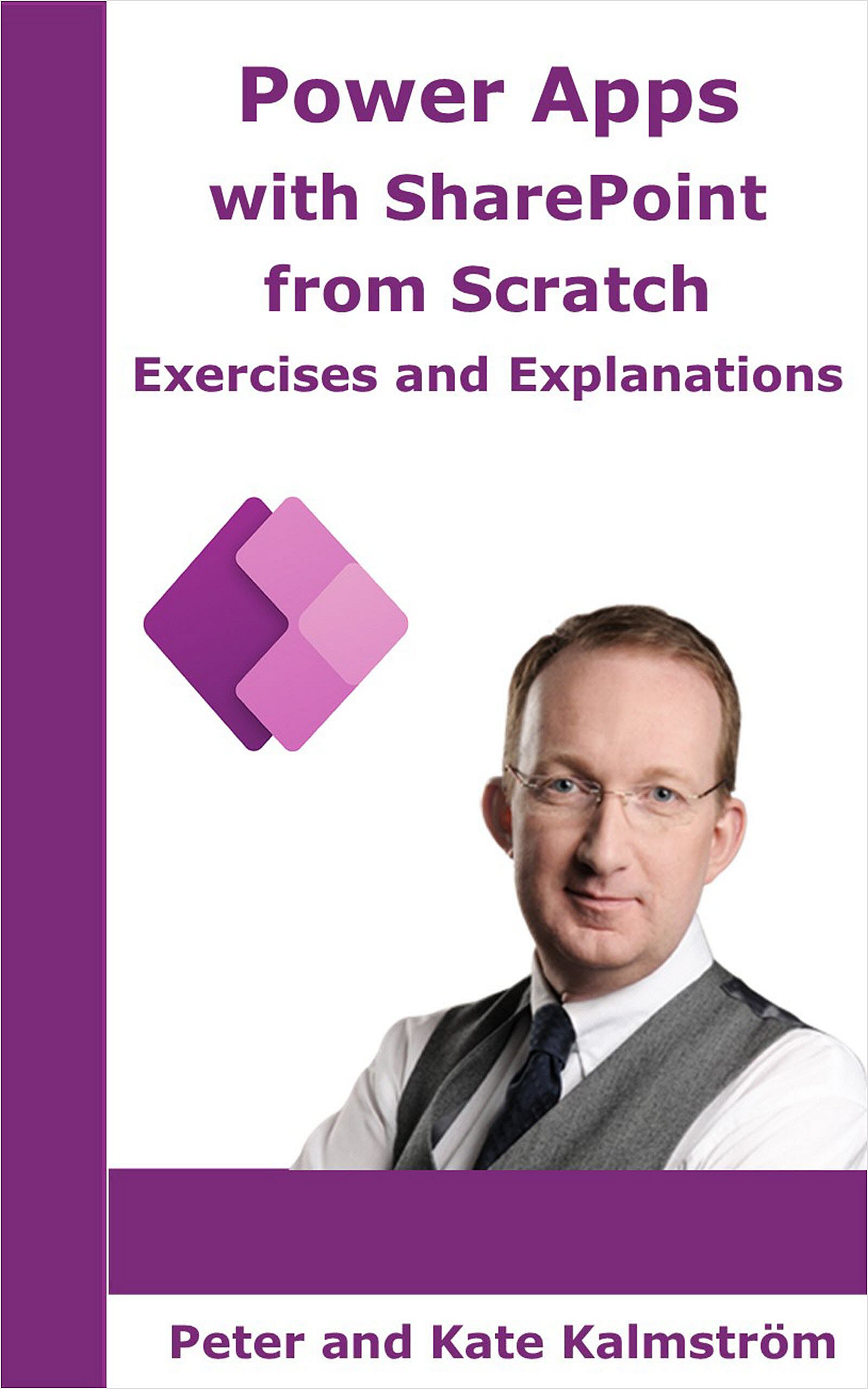
Power Apps with SharePoint from Scratch
Updated in April 2024
 Power
Apps with SharePoint from Scratch is intended for SharePoint
users who want to build common business apps for their organizations.
In all the book's exercises, a SharePoint list is used as
the data source. Our aim is that readers should be able
to build their own mobile apps for SharePoint after having
studied the book. Power
Apps with SharePoint from Scratch is intended for SharePoint
users who want to build common business apps for their organizations.
In all the book's exercises, a SharePoint list is used as
the data source. Our aim is that readers should be able
to build their own mobile apps for SharePoint after having
studied the book.
Structure
Power Apps with SharePoint from Scratch begins with
a few chapters that give basic information about Power Apps.
After that, Microsoft certified SharePoint expert Peter
Kalmström leads you through ten training projects with step-by-step
instructions.
Focus
Function is in focus in Power Apps with SharePoint from
Scratch, not the app’s appearance. Looks are easy to
manage in Power Apps, but function most often requires formulas.
Therefore, Peter introduces and explains many useful formulas
that make it possible also for people with little or no
coding experience to create well functioning powerapps.
Demos
Some exercises in Power Apps with SharePoint from Scratch
have links to kalmstrom.com Tips articles with video demonstrations
that describe how to build a similar app.
Purchase
Power Apps with SharePoint from Scratch is available
as paperback, e-book and audiobook, all sold by
Amazon. The audiobook is only recommended as a complement to the paperback or e-book.
|
Exercises
Projects app, created from SharePoint
Customers forms
app, created from SharePoint list forms
Customers
app with mail and phone icons, created from SharePoint
Phone Messages app, created from SharePoint
Customers app with Countries filter, created from duplicated
screen with new data source
Issues app, created from
Power Apps site SharePoint tile
Travel Costs Requests
app, created from blank
Travel Costs Approvals, created
from expanded app copy
Tasks app, created from blank
Survey app, created from blank
Power Fx Functions, explained and used
|
Back
Clear
ClearCollect
Collect
Defaults
EndsWith
Filter
If
Launch
Navigate
Notify
Patch
Refresh
Remove
Reset
ResetForm
Round
RoundDown
RoundUp
Set
SortByColumns
StartsWith
SubmitForm
|
|