Configure Calendar Browser
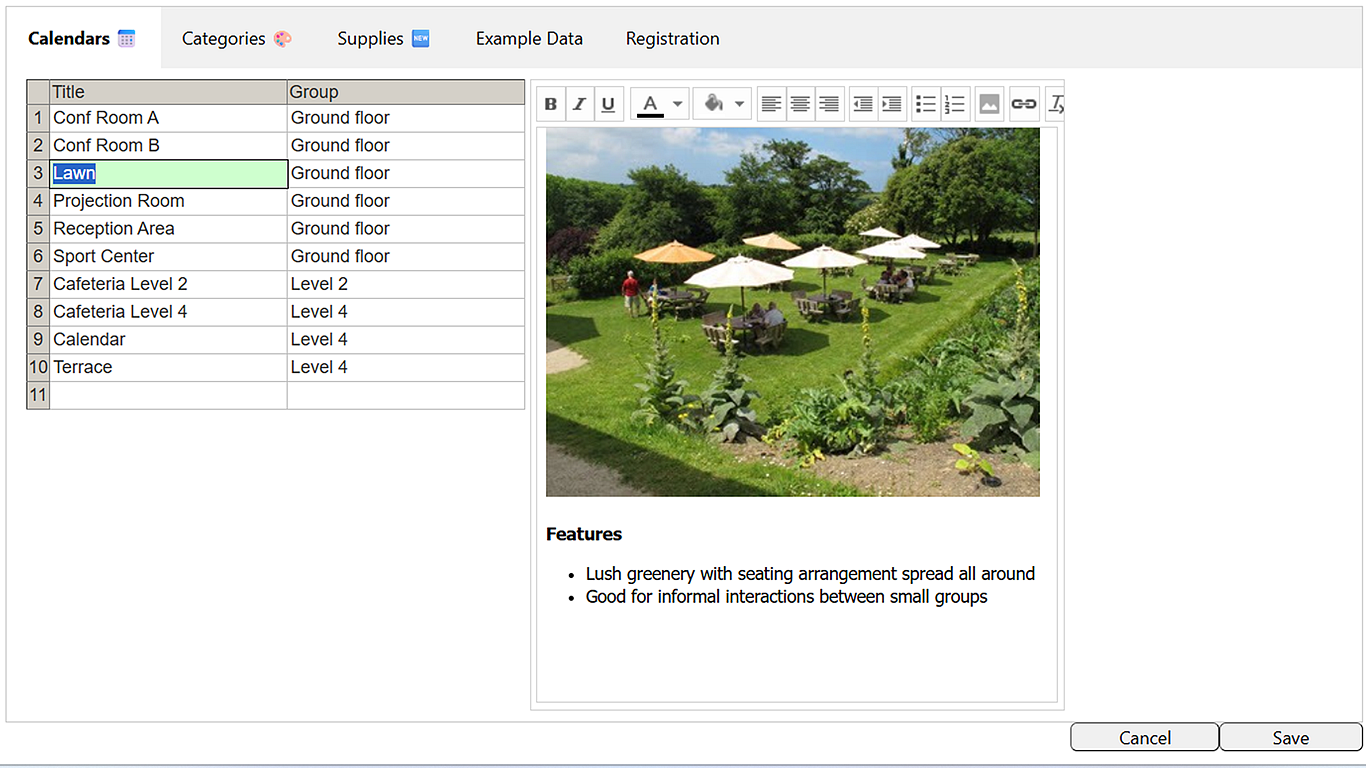
 The
Calendar Browser settings are reached via the Configure
button below the calendar panel in the overview page and
are organized under tabs. If your organization does not
need some of the features, do not fill out any information
under the corresponding Settings tab. The
Calendar Browser settings are reached via the Configure
button below the calendar panel in the overview page and
are organized under tabs. If your organization does not
need some of the features, do not fill out any information
under the corresponding Settings tab.
The tabs are:
- Calendars, to add and group resource calendars and
give each resource a description.
- Categories, to let users categorize and color-code
bookings in any way.
- Supplies, to specify all supplies that might be
needed with the resource and the cost for each item.
- Example data, to create example calendars with events
for the evaluation of Calendar Browser.
- Subscription, only valid for Standard subscribers.
|